Mobile client for opencode

The better way to
code on the go.

Chat with your AI, review diffs, approve permissions,
and access a full terminal — all from your phone.

No credit card required. Open source.
Spark AI Chat Spark AI Chat
Review diffs
Full terminal

Trusted by developers using

opencode Flutter Claude GPT Gemini

With Spark, coding on mobile is easy.

Effortless AI assistance for developers on the move.

01

Start the server

Run opencode on your machine. Spark connects to it over your local network or the internet.

Terminal
opencode serve --port 4096
02

Connect from Spark

Open the app, go to settings, and enter your server details. That's it.

Connection
Host: 192.168.1.100
Port: 4096
Password: ****
03

Start coding

Chat with AI, review diffs, approve permissions, or open a terminal — all from your phone.

Live AI Chat
Tool Calls
Terminal

Designed for developers.

Every feature built for the way you work.

AI Chat

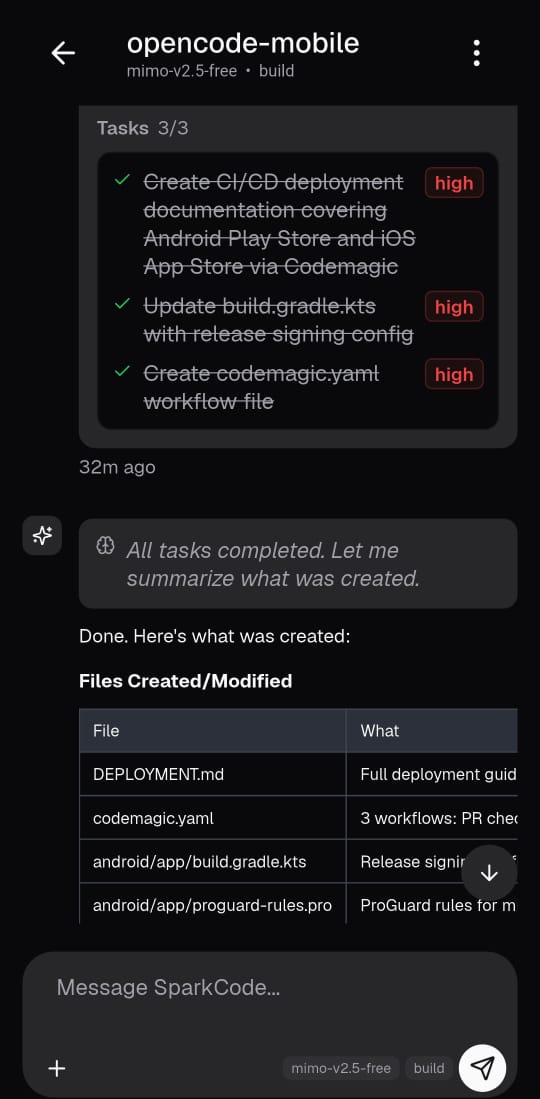
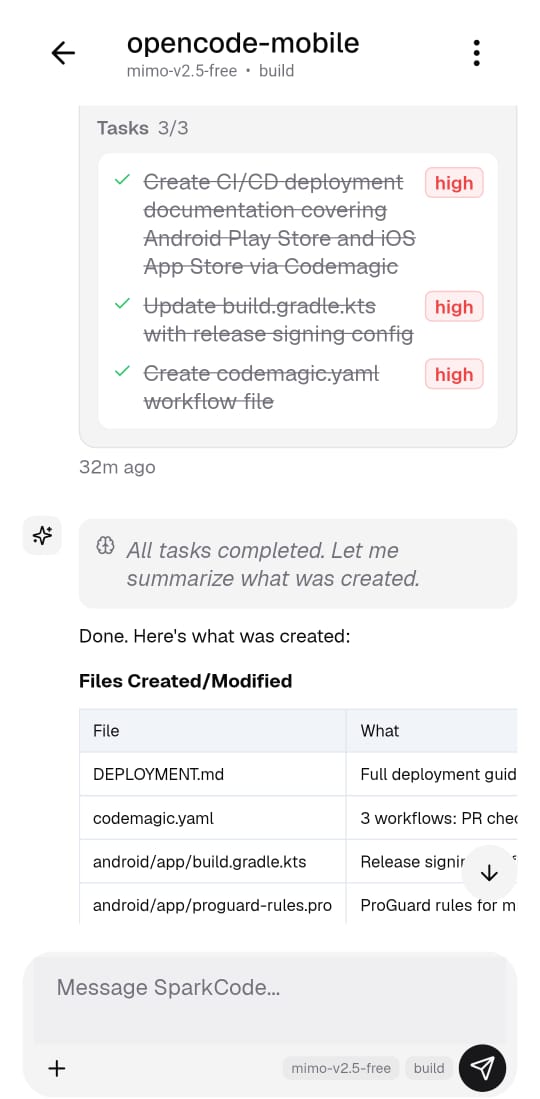
See your AI think in real time

Watch as your AI streams responses, shows reasoning, and executes tools — all visible as they happen.

  • Real-time streaming responses
  • Inline tool call previews
  • Markdown with syntax highlighting
AI Chat AI Chat
todowrite done
Projects

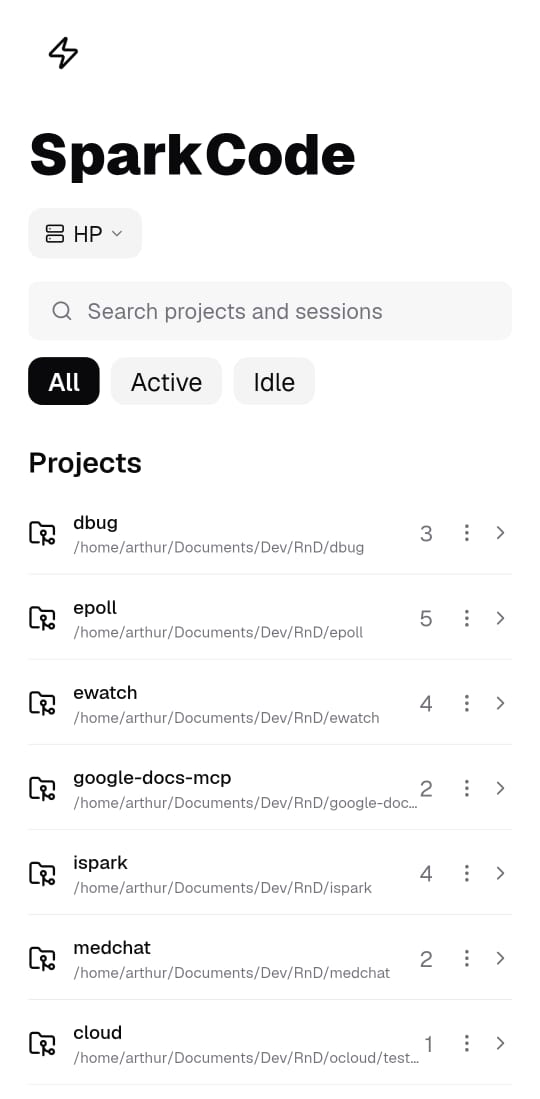
All your projects, one tap away

Organized by project with smart filters. Jump between workspaces instantly.

  • Multi-project workspace support
  • Filter by Active or Idle sessions
  • Instant search across everything
Projects Projects
opencode-mobile 5
Terminal

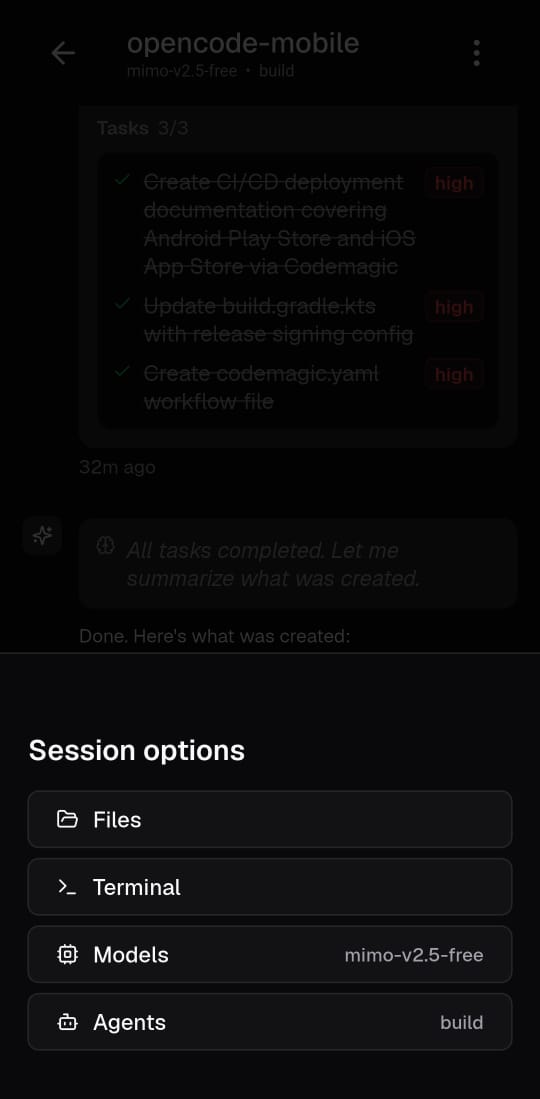
Everything in one place

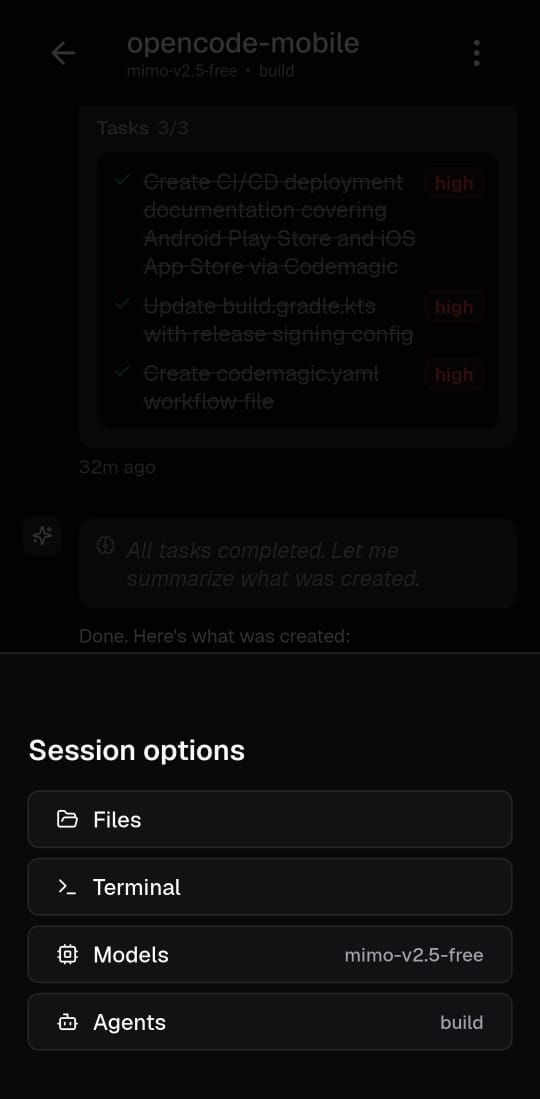
Access files, terminal, models, and agents from a single session menu.

  • Quick access session menu
  • Switch models on the fly
  • Full PTY terminal with shortcuts
Terminal Terminal
Terminal
Files

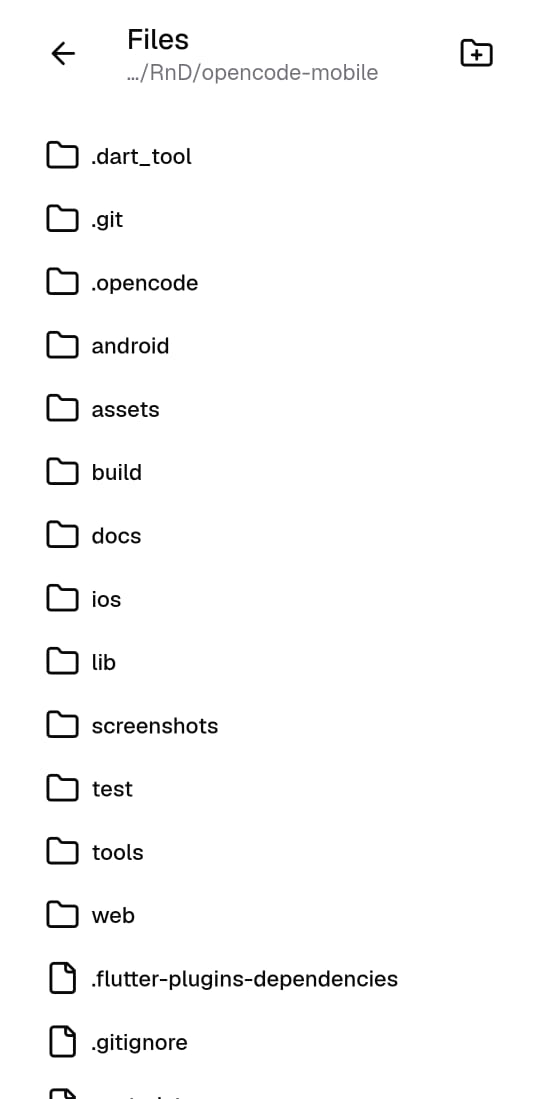
Browse your project structure

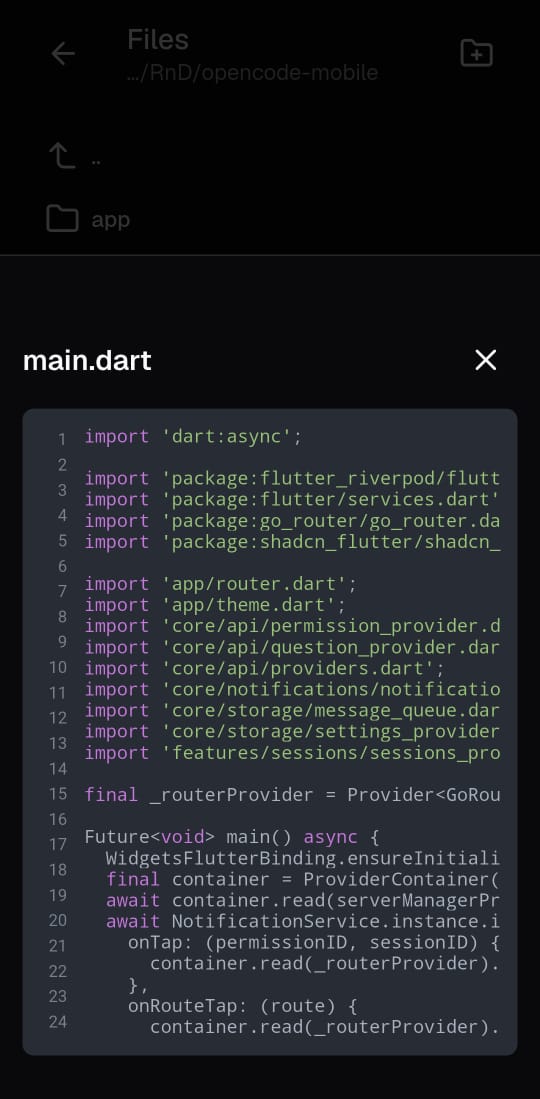
Navigate files and folders with a clean, familiar interface. View code with syntax highlighting.

  • Full project file browser
  • Syntax-highlighted code viewer
  • Create new projects from the app
Files Files
main.dart

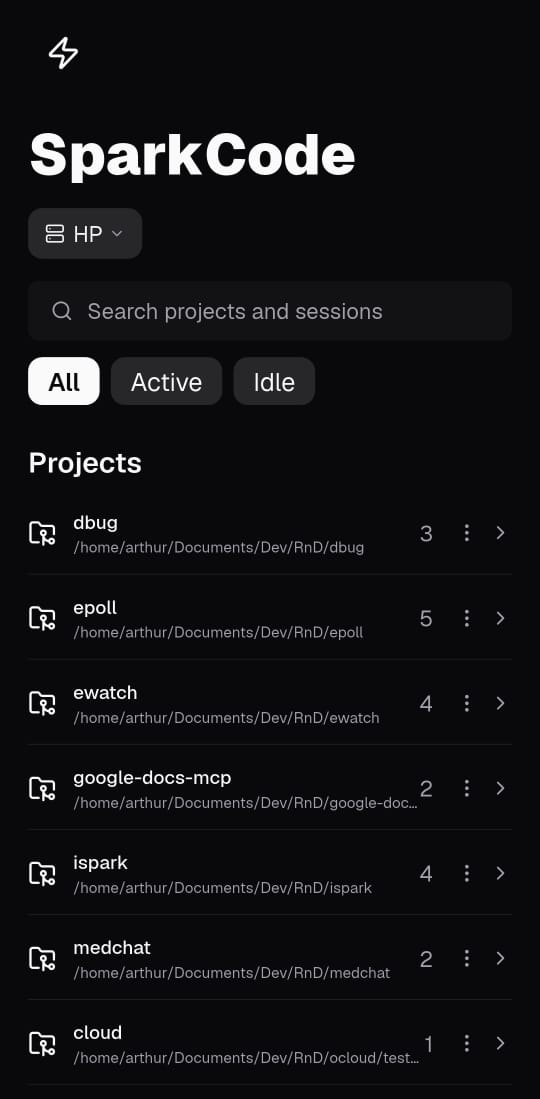
Light or dark. Your call.

Switch between themes to match your preference.

Light theme Dark theme

Everything you need,
nothing you don't.

Live AI Chat

Stream responses in real-time. See text, reasoning, and tool calls as they happen.

Tool Call Chips

Bash, read, edit, grep, and more — expand inline to see structured output and diffs.

Permission Approval

Approve or reject file edits and shell commands with a single tap, from anywhere.

Full Terminal

PTY-backed terminal with arrow keys, Tab, Ctrl, and Esc — right on your phone.

Multi-Project

Sessions grouped by project. Search, filter by active or idle, switch between worktrees.

Model & Agent Picker

Switch between models and agents on the fly. Server defaults auto-detected.

Frequently asked questions.

What is Spark?

Spark is a mobile app that connects to a running opencode server. It lets you chat with AI, review code diffs, approve permissions, and access a full terminal — all from your phone.

Do I need an opencode server?

Yes. Spark is a client that connects to opencode. You run the server on your machine (or a remote server) and connect Spark to it over your local network or the internet.

Is it free?

Yes. Spark is free and open source. You only need an opencode server and your own API keys for the AI providers you want to use.

Does it work with Claude, GPT, and Gemini?

Yes. Spark works with any model that opencode supports — including Claude, GPT, Gemini, and more. You bring your own API keys.

Can I use it over the internet?

Yes. As long as your opencode server is accessible (via port forwarding, VPN, or a public URL), Spark can connect to it from anywhere.

Ready to code from
wherever you are?

Connect Spark to your opencode server and start building.